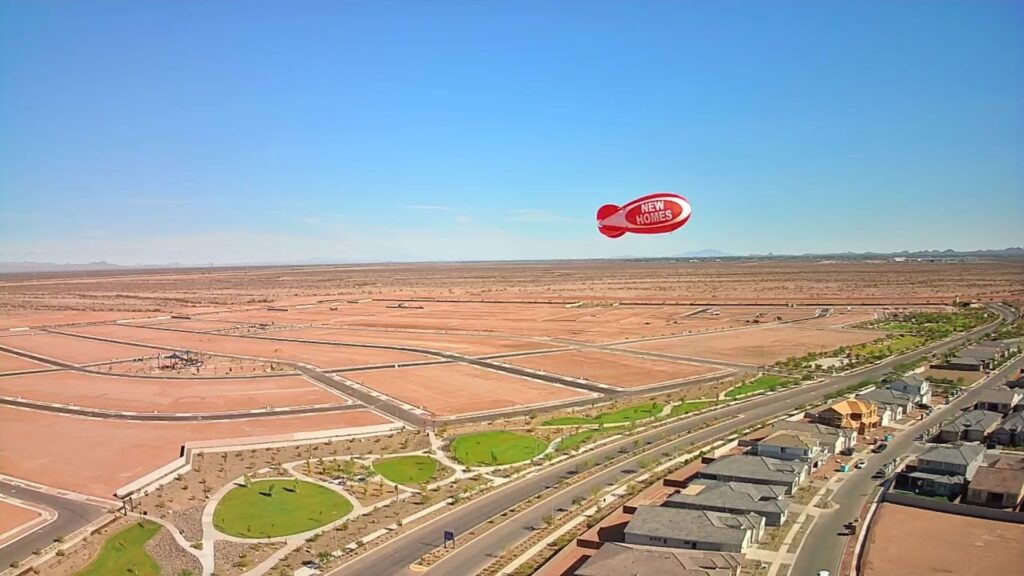
When a promotion uses both spoken announcements and an advertising blimp, check that they identify the same business and campaign. Write down the approved wording for each channel and the dates it applies. A tethered advertising blimp is a visual display; do not assume it broadcasts audio or uses radio controls.
Place the proposed announcement beside the blimp artwork proof. Check the business name, campaign wording and location references. The two versions can be different lengths while still describing the same promotion. Ask the campaign owner to resolve conflicting dates or offer language before either version is approved.
Keep directions separate from the display
An announcement can give practical arrival information that will not fit on a blimp. Confirm that information with the location contact. Do not promise that a listener will see the display from a particular road or distance. Buildings, terrain and the actual site need their own review.
Record who can approve a change
Name the person approving spoken copy and the person approving printed artwork. If the campaign changes, check both versions before requesting a revision. Keep the current proof and announcement text together. Ask the supplier what changes are possible for the actual product; an inquiry does not change an order or confirm production dates.
If an email draft does not open in your mail app, copy the inquiry into an email or our contact form.
Before you send
The planner needs JavaScript to prepare text. Use the checklist above and contact us.
Frequently asked questions
Does an advertising blimp broadcast sound?
The manufacturer describes a helium-filled tethered display with a printed logo or message. Do not assume audio equipment or broadcast capability is included; ask about any separate equipment you need.
Is this a radio-controlled airship?
This guide concerns tethered helium advertising blimps. A domain name does not establish propulsion, steering or radio-control features. Confirm the actual product description with the supplier.
Should spoken copy match the printed artwork word for word?
It need not have the same length, but names, campaign details and applicable dates should agree. Keep useful arrival instructions in the channel best suited to them.
Can we announce that the blimp will be visible from every approach?
Do not promise visibility without reviewing the actual site and conditions. Give confirmed business directions that remain useful even when the display cannot be seen.
What if the promotion changes after artwork approval?
Notify the responsible contacts and ask what can be revised. Record the new approved versions and dates; do not assume an artwork or production change has been accepted.
Does the inquiry planner contact a radio station?
No. It prepares reviewable text locally for your own coordination. Copy it or open an email draft when ready; it does not send messages, arrange airtime or reserve a display.
Discuss your display
Send the location, dates and details you want the supplier to confirm.